

Creator mode
Describe a panel or a theme in plain words and let an AI agent such as Claude Code build it as a better-vault plugin, using the desktop app's MCP server.
Creator mode lets an AI agent build plugins for better-vault from a description: you say what you want, and the agent writes the Studio tool, panel, mod or theme and installs it.
It follows the idea behind DeepSeek Harness's Creator Mode, where everything is a plugin. Before it writes anything, the agent looks at the running app: describe_app tells it the plugin format, the methods a page can call, where pages can go, the hooks a mod can target and which colours a theme may set. So it works from the real app rather than guessing.
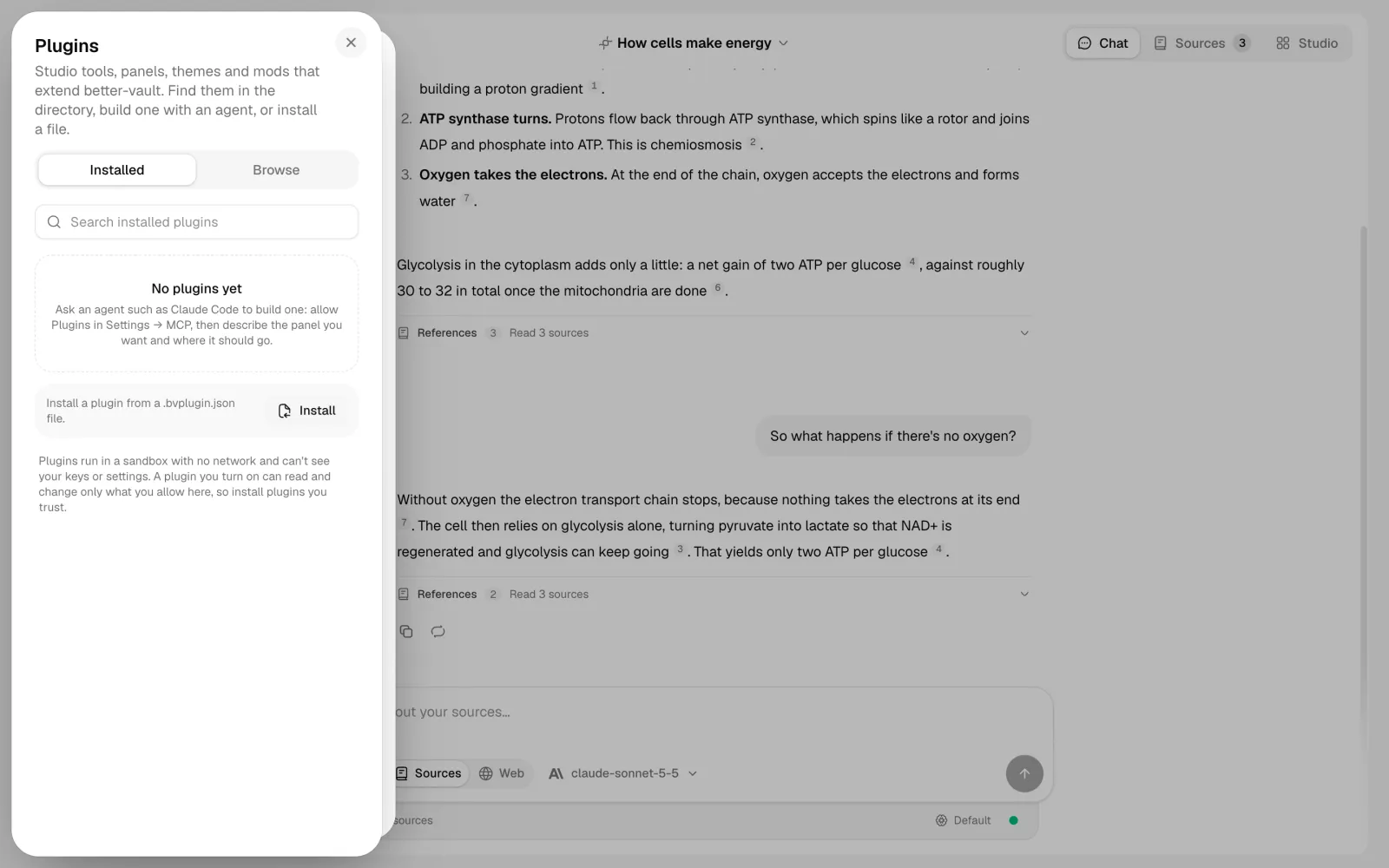
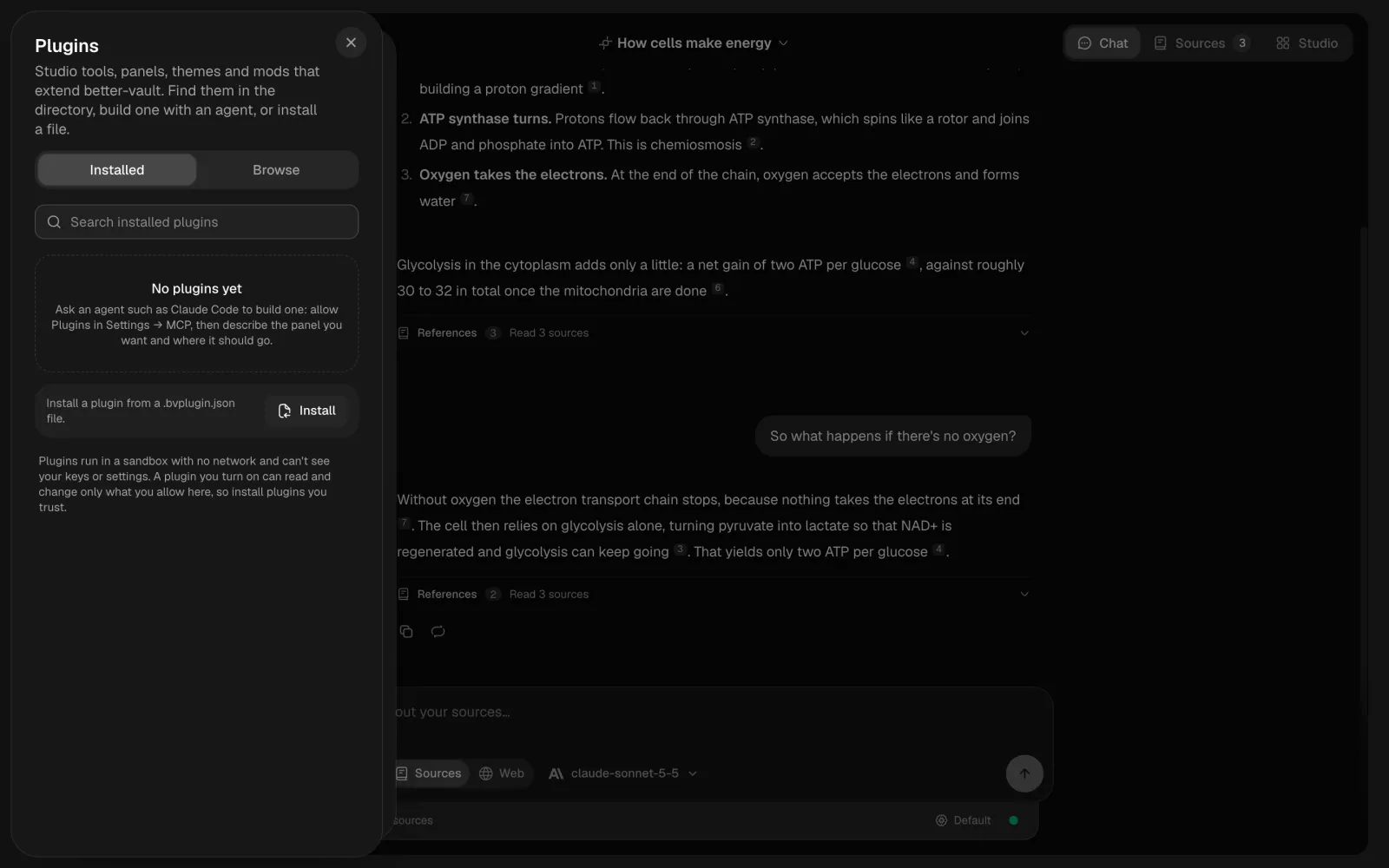
Build a plugin with an agent
Allow plugins
In the desktop app, open Settings → MCP, turn on Allow agents to connect, and turn on Plugins under What agents may change. Skills and MCP shows how to connect your agent.
Describe it
Ask your agent for the plugin. For example: "Make a better-vault plugin for the Studio that shows each source in this notebook as a bar sized by its length, with its format, sorted longest first. Use the app's colours and keep it to one screen."
Review and turn it on
The agent installs the plugin, turned off. Open Settings → Plugins, check what it asks for, untick anything you don't want to allow, and turn it on. When you ask for changes, the agent updates the plugin and it turns off again, so you see each new version before it runs.
Write a good request
Clear requests give working plugins in fewer rounds.
| Do this | For example |
|---|---|
| Say where it goes | "A Studio tool" |
| Give numbers, not adjectives | "Show the 10 longest sources", "five colour styles" |
| Say what to leave out | "No settings screen; keep the page minimal" |
| Ask for real data | "Use the notebook's sources, never sample data" |
| Fix one problem at a time | "The bars overflow on narrow windows; wrap the titles instead" |
What's next
Creator mode inside better-vault's own chat, where a bot builds a plugin, previews it and refines it with you, is on the roadmap, along with more places for plugins to appear.
Publish a plugin
List a plugin from your own GitHub repository in the better-vault directory, prove that you own it, and release updates that only you are able to publish.
The Studio
better-vault's Studio turns your sources into reports, flashcards, quizzes, data tables, mind maps, slide decks, infographics, Anatomy figures and whiteboards.